
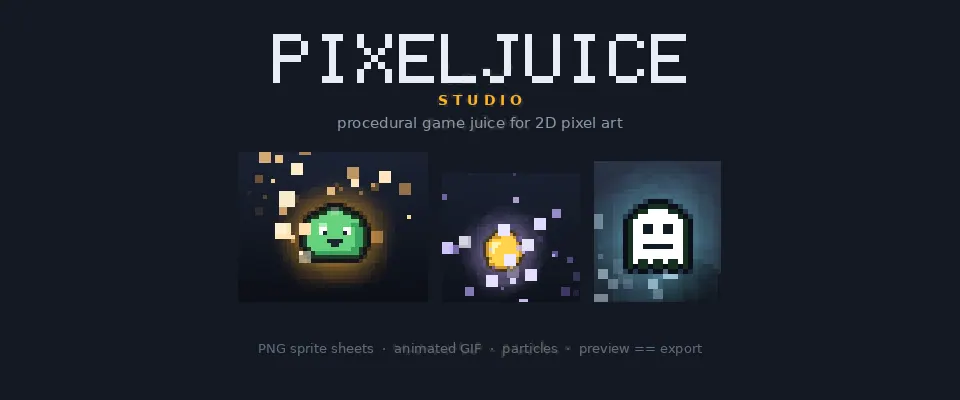
You’ve drawn the sprite. It looks right. Then it lands, and nothing happens.
That gap is what people mean by game juice. The squash on contact, a white flash for two frames, the dust that tells your eye something connected. None of it is in the sprite, and it’s most of what makes the sprite feel like it weighs something.
Doing that work by hand is slow. You redraw the frames, or you fake the hit with a scale tool that softens the pixels, and the moment the sprite changes the whole effect is out of date.
So I built the other half, and it’s out now. Pixel Juice Studio 1.0.0 is live on itch.io at $12 once.
What it does
Import a sprite, dial the effects in until the hit feels right, then export a PNG sprite sheet or an animated GIF your engine can load.
- Motion. Squash and stretch on sine, spring, pulse and bounce curves, with volume preservation, a rotation wiggle and a vertical hop. The pivot plants at the feet, so they stay on the same line in every frame.
- Filters. Color grading, a clean one-pixel outline, an outer glow, a drop shadow, and a hit flash that decays, pulses or holds. They run on the graphics card, so the preview keeps up while you drag a slider.
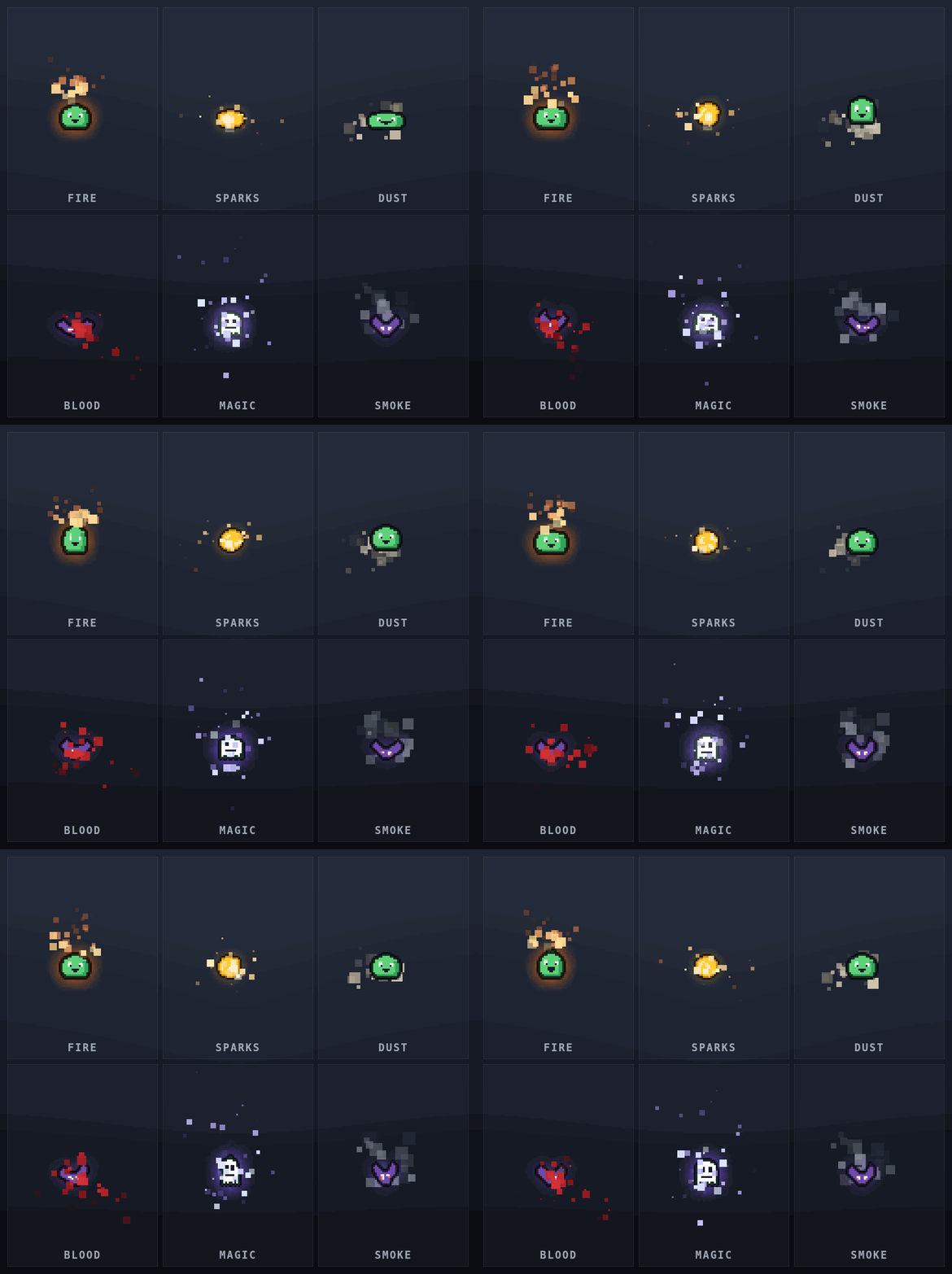
- Particles. Eighteen kinds, including fire, sparks, dust, leaves, smoke, snow and confetti. Drag the emitter anywhere on the canvas, aim the spray with the same handle, and tune the count, gravity, drag, spread, lifetime, size decay, colors, emitter shape and seed. The same seed gives you the same field every time.
- Camera shake. Screen rumble with decay, baked into the export or left out so your frames stay lined up.
- Export. Sprite sheets as a grid, a horizontal strip or a vertical strip, up to 8x with no blurring, plus animated GIFs with a single global palette and honest per-frame timing.
Effects with no sprite
An impact spark, a dust puff, a muzzle flash. A game needs them and there is no art to import.
An effect project opens an empty canvas pinned to a size you pick, with the particle layer already running and the emitter handle up. Drag the burst to where it should land, aim the spray, and export. Every frame comes out at exactly the size you asked for, on transparency.
If you already have a sheet
Import it and give it the grid, or let the studio work one out. The playhead picks up the frames, and the loop length and the export layout come from your cut, so the order and the timing survive the round trip.
How it’s built
It’s one HTML file. Buy it, download it, double-click it, and it opens in Chrome, Edge or Firefox. No install, no account, no activation, and it works with the wifi off.
That constraint did most of the design work. A game project doesn’t need another thing to install, and an art tool doesn’t need a server. Everything runs in the browser, with Canvas for the pixels and the graphics card for the filters. Each frame is worked out from scratch from the time and your settings, never from the frame before it, so nothing drifts and an exported loop really loops.
The export rectangle is drawn on screen while you work. It starts wide enough for the effects to reach past the sprite, it tells you when a narrower size would clip them, and it can be pinned to an exact size such as 64x64.
Twelve dollars, once
There’s no subscription. Presets save as plain JSON, so a hit feel can live in version control and get handed to the rest of a team. Sprite sheets, GIFs and presets you make are yours to use commercially, royalty-free.
If you make pixel art games, grab it here: Pixel Juice Studio on itch.io
I also wrote a case study covering the problem and how it’s built.
My Work → · Send a Message · tarlow@mossaistudio.com
Built and supported by Tarlow in Portland, OR. Shipping software since 2014.
Share this post